Advertisement
Home Blog Page 22

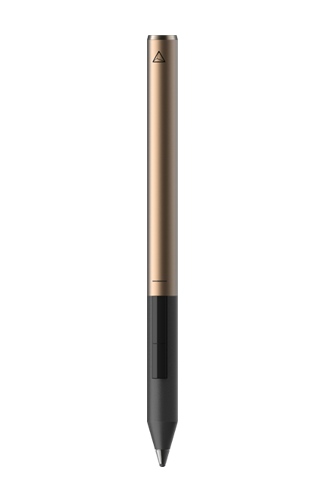
Two Years with the Adonit Jot Script 2

I’ve been using my Adonit Jot Script 2 for over two years, and it’s been great. This post it just about how I use it, and a review of it over the past two years.

I purchased the Jot Script after seeing it on the Evernote market. I had wanted something like it for quite some time, and I previously used a Bamboo Solo stylus. It was okay, but it wasn’t great. I bought the Script off the Evernote site, and was very happy to get 6 months of premium along with it.

The original stylus I received had charging issues; for some reason it would not charge. However, Adonit were great about getting a new one for me, and I received a fully working one in a few days.

Penultimate was the first app I used with my stylus; it was okay, but not great. I found it didn’t have the flexibility I wanted. Luckily for me, Goodnotes gave me their app to review, and it has been great. The only thing I found that I missed was the automatic upload to Evernote, but I use the following IFTTT recipe to allow me to quickly export them to Evernote in a few taps.

IFTTT Recipe: Goodnotes to Evernote connects dropbox to gmailMy stylus has held up well over the past two years. The battery lasts for ages, and it works well. It fits in well with my workflow, and the stylus is well made and durable. Sadly, Adonit has stopped selling them, on the release of their new stylus, the Pixel.

Thanks for reading!

Feel free to comment below!

Power up Your Productivity with Duet Display!

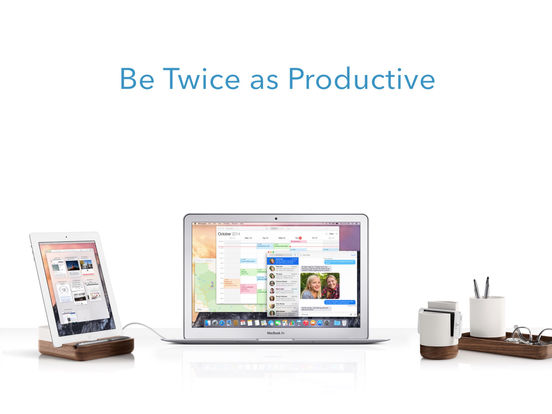
Duet Display is a great app that allows you to use your iPad or iPhone as a second display for your Windows computer or your Mac.


Duet Display is an app for iOS that allows you to use your iPad or iPhone as a secondary display. Just plug your iPad or iPhone into your Mac or Windows PC with your lightning cable, install Duet Display onto your computer, and your ready to go. It takes a short time to set up, and when you have installed everything, it takes a few seconds to use it again.

Now you can take around your secondary display with you; most people take around their iPad or iPhone with them along with their computer, so all you need to take extra is your cable; its just practical. You can also use your iPhone as a secondary display, however I have not been able to test this (I don’t have an iPhone).

Duet Display gives you lots of options; you can run it at either 60 or 30 FPS, so you can be more energy efficient if you need to be, or have your display crisper. Their statement ‘zero lag’ is certainly true; it works perfectly, and really helps to increase your productivity.

Duet Display also allows you to use touch to navigate your second screen; whilst this isn’t my preferred method, it does work well, and I can see the use for it.

I really recommend getting Duet Display; it costs £14.99 on the App Store, and its worth it. It allows you to save a lot of money and not buy another screen, whilst allowing you to set up your duel screen display anywhere. It has not lag, and the support is great. You can write an essay on your main screen, and have your research on your iPad, run Youtube videos on your iPad, or even the full version of photoshop. It’s great, and I can’t recommend it any more. Duet Display works with iPads and iPhones iOS 7 or above, and on Mac and Windows computers. It really transforms your iPad.

Thanks for reading!

Feel free to comment below!

Space by THIX: Make Your Own Solar System

Space by THIX is a great app that allows you to create your own solar system and add anything from a black hole to a terrestrial planet.


Space is a great app, and it allows you to add planets and other space objects to an area. It is very realistic, with great graphics. It can help you to understand space, but is also great fun just to muck around in (one of my favourite things to do is place a black hole in the middle of the solar system and then place loads of blue giants around it). There are lots of things you can choose to place in your solar system, from asteroids to neutron stars.

Amazing graphics, and lots of info

The planets and other objects show their orbit, so it’s fun to spawn two black holes near each other and watch them go crazy. It’s also fun to collide stars together.

Colliding some stars and throwing a black hole into the mix

You can also explore other people’s solar systems, which are shown as other stars in the background. Space finds people near you and shows you their solar system, so you can see how amazing or rubbish theirs is, and try to replicate it.

All in all, Space is a great app, which can be used seriously or just for fun. Space THIX is available on the App Store at £2.99. I would definitely recommend it to people interested is space, or maybe if you do physics for GCSE or A Level; or, if you just want to wreck havoc in space. It’s a little like Universe Sandbox, but for mobile devices.

Thanks for reading!

Feel free to comment below!
Chemist: A Lab on Your iPad

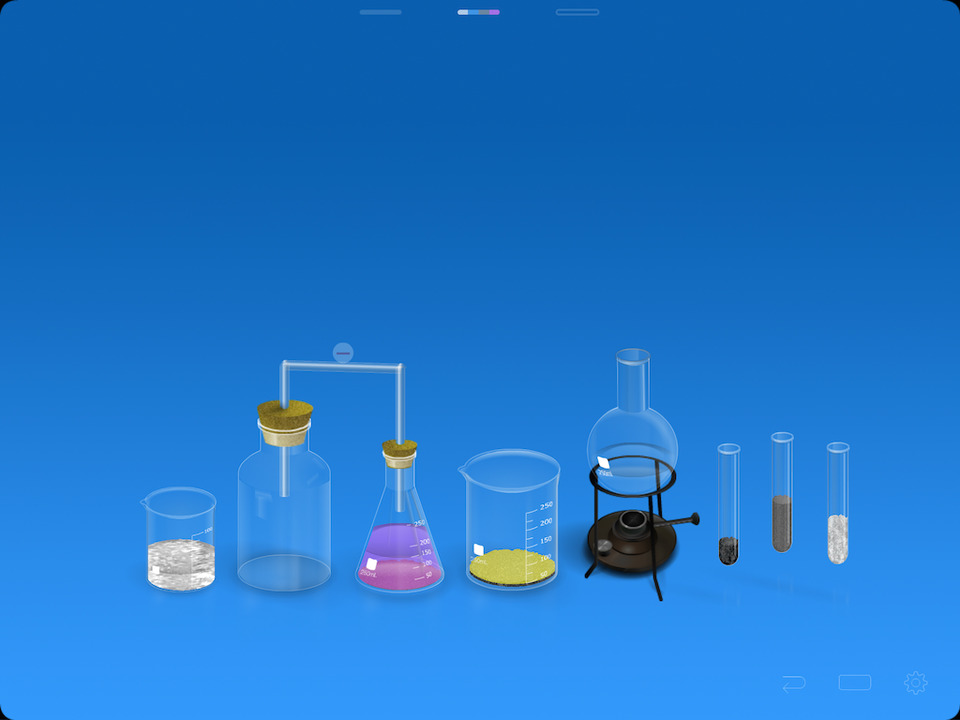
Chemist is an app by THIX which is a virtual chemistry lab on your iPad. It’s great for doing serious experiments, and also mucking around in and seeing what happens when you react one chemical with another.


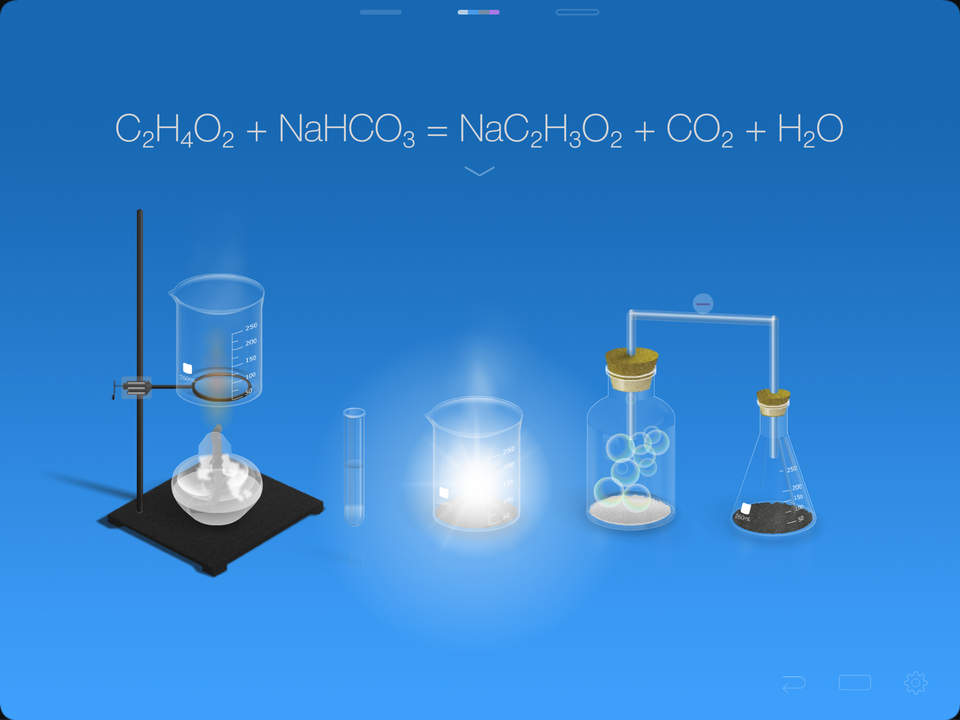
Chemist is a great app that allows you to do experiment with different chemicals. It shows the reactions given, and also shows you the equation for the reaction.

The THIX website gives you some ideas on how to get started, and you can check them out here. They are really fun to do, and produce really cool results. You can also use the app during your chemistry lessons, to see what will happen in the experiment.

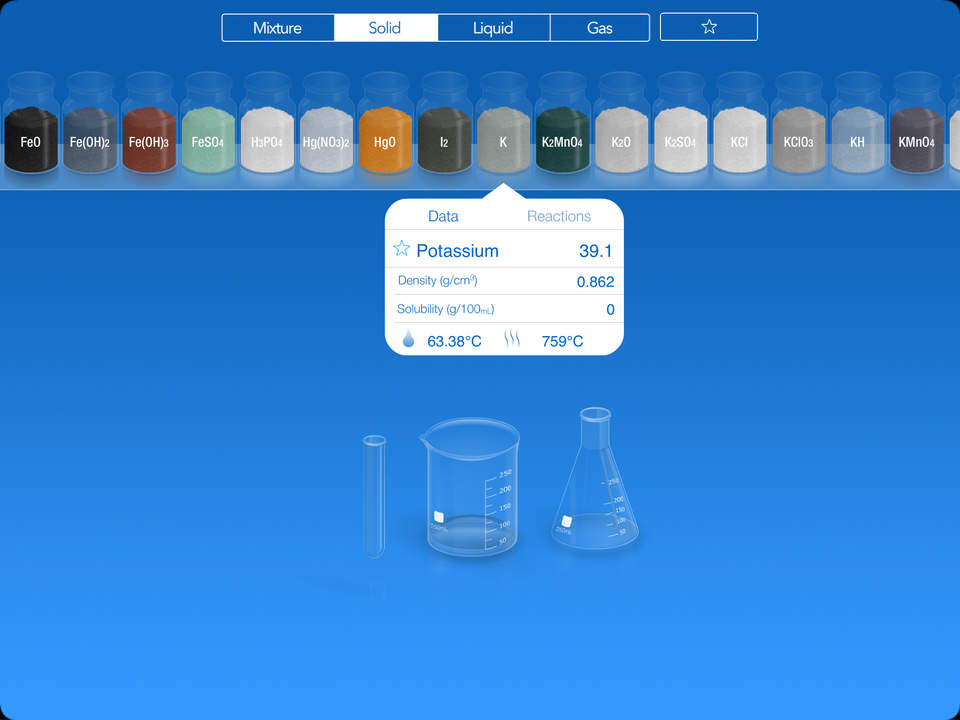
The app sorts the chemicals in different categories, which makes them easy to find, and also shows their name, which makes it quicker to find them. You can star chemicals that you use often, such as water, so that they are easy to find again. When you tap on a chemical, it gives you the solubility, density and freezing and melting point. It also gives you the reactions it has, which can be helpful.


Each reaction shows you what happens, and they all have animations, which makes it appear to be real, and gives you reliable data on what happens.


All in all, Chemist is a really good app. Chemist is available on the App Store at £6.99. It’s almost like the real experience of actually doing the experiment, and I really recommend that you check it out, especially if you are doing something related to chemistry or you’re interested in it.

Thanks for reading!


Feel free to comment below!

Pokémon Posts are Stopping

Just a quick note to let you know that all Pokemon posts are stopping. I don’t think it fits in with my blog, and I found that I did not enjoy writing on the topic.

Please contact me for questions!

Thanks for reading!

Feel free to comment below.

iStudiez Pro: A Student’s Dream Planner

iStudiez Pro is a planner app for students that allows you to plan your classes, add your assignments and grades, and a lot more.


iStudiez Pro is a great app that allows students to plan their classes, exams, assignments and track their grades on their iPad, iPhone, Mac, Android and Windows devices. You can check out the iStudiez Pro store here.

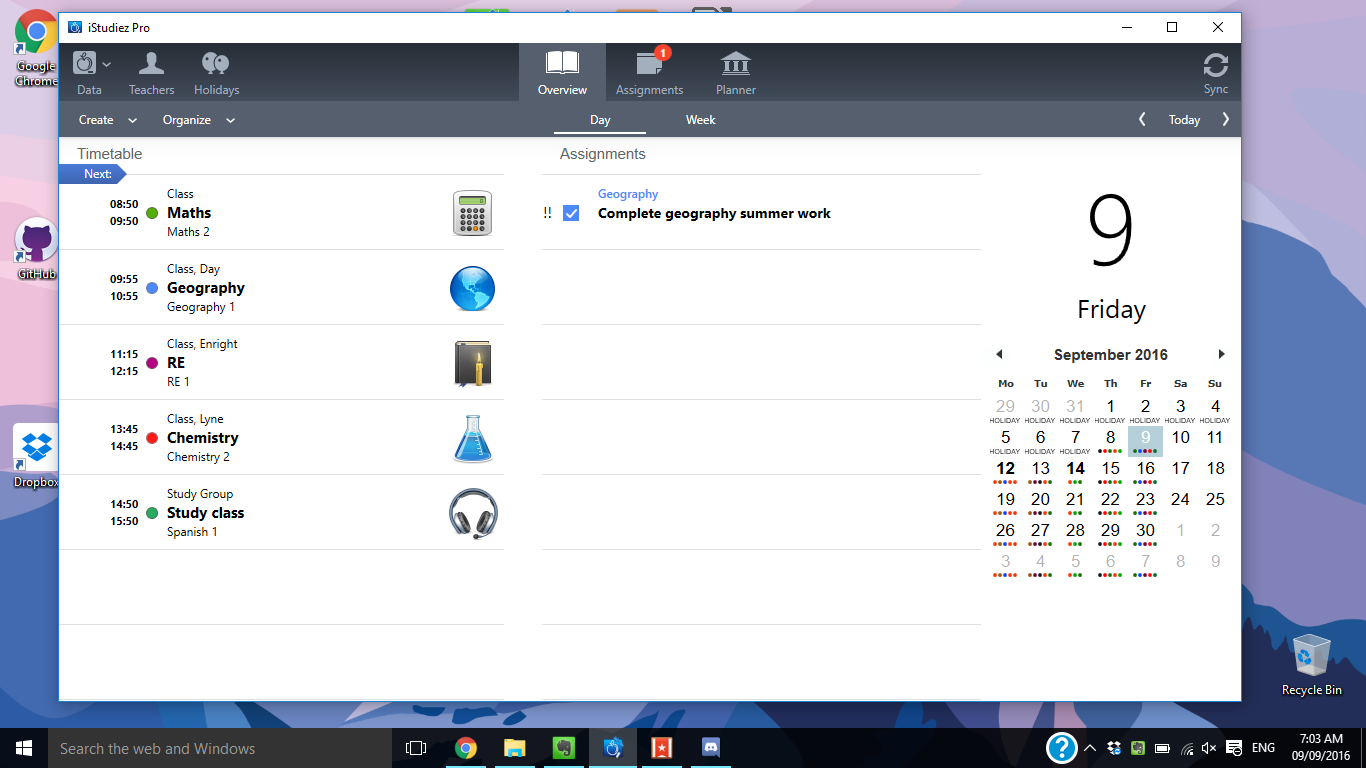
Setting up your classes with iStudiez Pro may take some time, but it’s worth it. To set up your classes, you need to go into planner and set up your terms. Once you’ve done that, you can set up your subjects, and then add your classes. Do this for all your terms, and then you’ll see you classes appear in the Overview sections. Here you can see a calendar, with coloured dots to show your lessons, your assignments that are due for today, and your lessons, with teacher, time and room information.

When you get a piece of homework, you can go into the assignment sections, Here, you can add your homework, and give it a subject. One of the features I love is that you can tap ‘Next lesson’ to make it due for the next lesson you have. This is great as it means that you don’t have to route around finding out the date, and I love this little feature. You can also add reminders for the assignment, along with a partner you may be doing the assignment with.

iStudiez Pro offers a sync, meaning that you can sync your data across all devices, from your desktop to your Apple Watch. This is great, as you can add an assignment on your phone, and then access it when you are on your laptop. It also means that you don’t have to input your classes and assignments into all your different devices, and this saves a lot of time. The sync is great and very fast, meaning your assignments, lessons and exams will be across all your devices.

Once you’ve completed that assignment, you may get a grade. iStudiez Pro supports Letters, Percents and Points as a Grading Scale, and you can set this with scales. iStudiez Pro then gives you a score to the right of the subject on the planner view.

iStudiez Pro on Windows

You can also add your exams with iStudiez Pro. Simply tap on the plus button to the right of the timetable title, and then tap on exam. You can add a grade to this too.

iStudiez Pro also offers a sync feature; this means that you can sync your classes, exams and assignments to your other platforms. I’ve found that the sync is very quick, and works great.
iStudiez Pro is a great planner for students, and allows you to really organise your school life and keep track of assignments and results. I recommend you buy it for your platforms, and you can do so here. It’s definitely worth it.

Thanks for reading!

Feel free to comment below!

Pokémon in the Spotlight: Salamence!

Salamence is a great dragon type Pokémon that will help you get an upper hand in your battles.

Salamence has both a normal evolution, and a mega evolution, which means that it would be a great Pokémon to have as your mega in your team. However, it’s also a very popular Pokémon, so you may want to set up your team so that it can be easily defeated.

Salamence has very high attack, and decent special attack, but it lacks on defence and special defence, so you may want to cover those two areas. When Salamence mega-evolves, all of it’s stats shoot up, and it has very high attack and special attack, as well as good defense.
  • Dragon Dance
  • Roost
  • Double-Edge
  • Earthquake
Above is the suggested moveset. Dragon Dance means that Salamence’s speed and attack are boosted, and means that you can get some very hard hits onto the opponent. Roost allows Salamence to recover HP in battle, and keep the HP level up and Salamence fresh. Double-edge is very powerful, but the recoil can be irritating. Earthquake hits all the Pokémon on the field, and is very powerful. However, keep in mind that it will hit your other Pokémon if you are in a double battle, so make sure you use it when your other Pokémon is a flying type, or has an ability such as Levitate.
Salamence is a great Pokémon, and is very powerful, even when it’s not mega-evolved. I suggest you try it out and see how it goes!
Thanks for reading!
Feel free to comment below! 

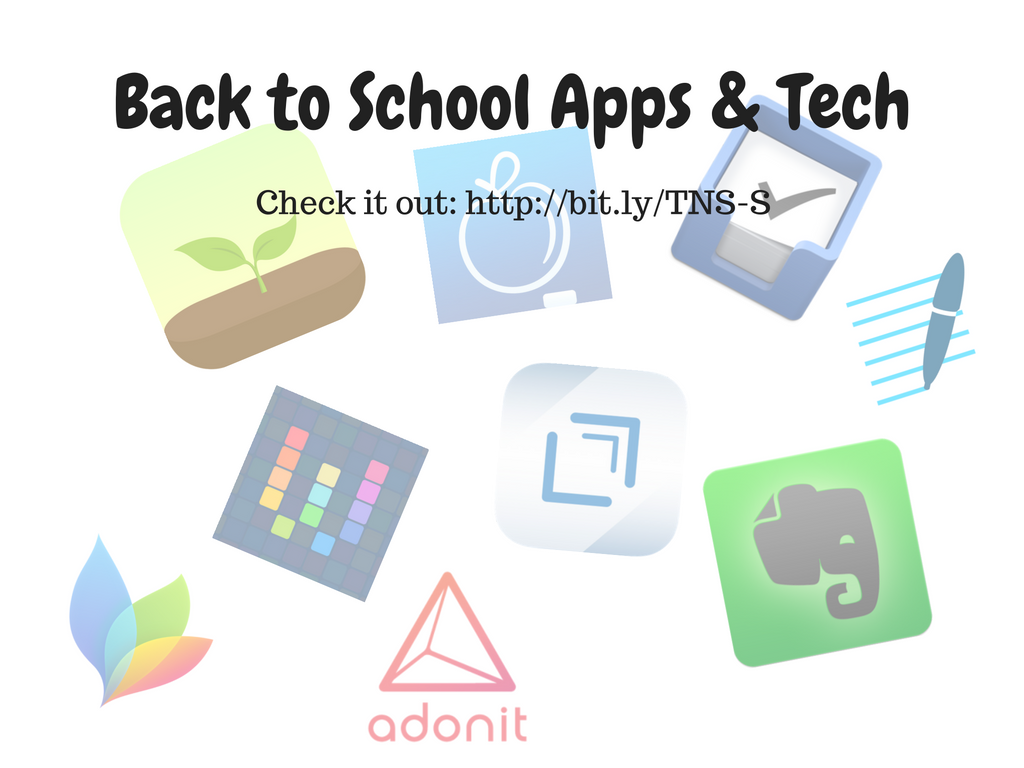
Must Have Back to School Apps and Tech

School is around the corner, and here are the must have apps and gear for school, from notetaking to organizing your classes. Check out below to find out what you should have in your school kit!

Evernote – Freemium

Evernote is the king of notetaking, and it’s got so many uses, from managing tasks to saving your recipes. It’s great for taking notes at school, as you can sort them in notebooks, and tag them as you see fit. It also allows you to search your notes, including your handwritten notes that you have scanned in, such as PDFs and other paper you’ve scanned in. Evernote allows you to go paperless, and makes sure you’ll never lose that important letter again.

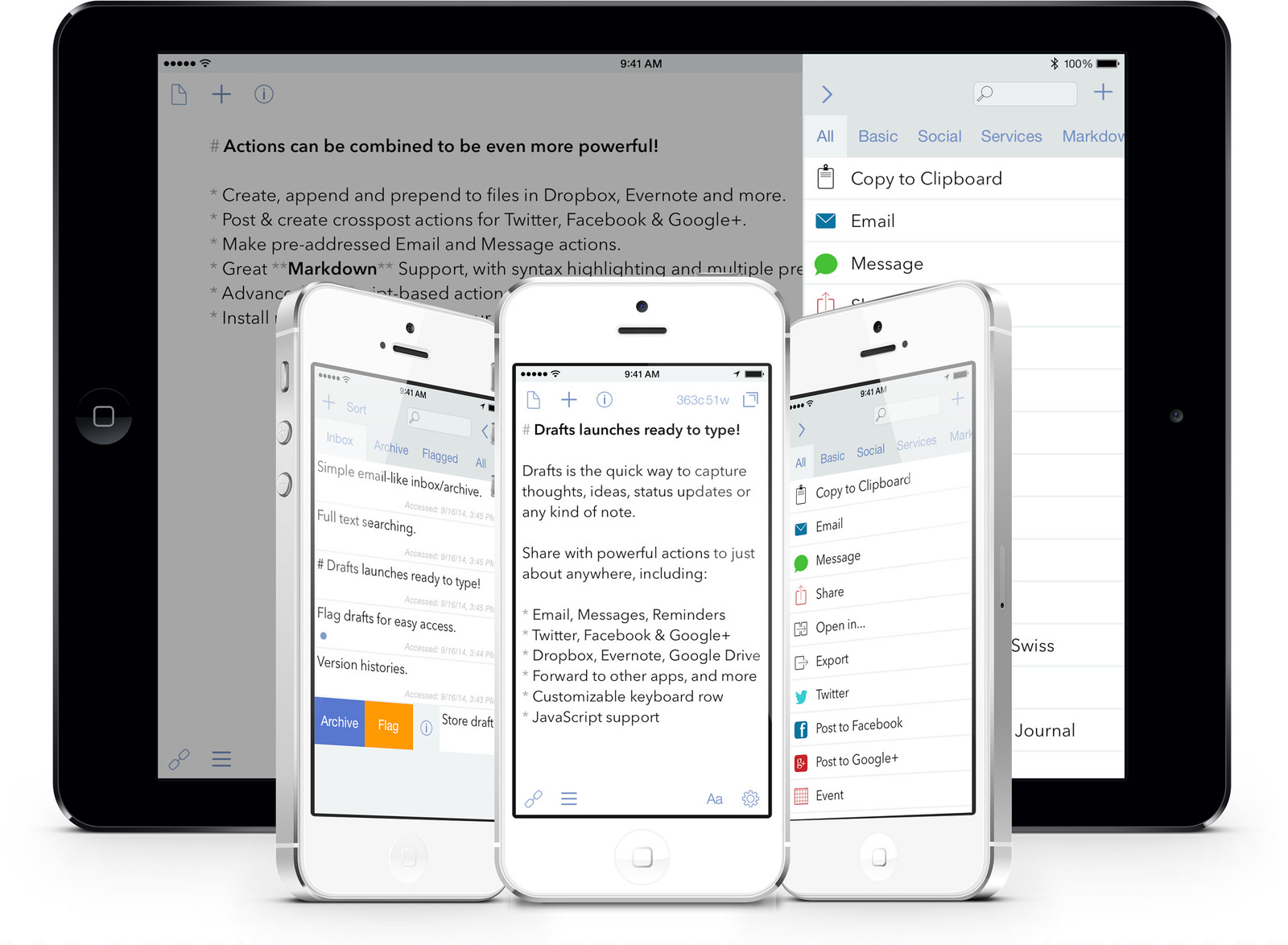
Drafts 4 – £7.99

Drafts 4 is a great app, that is your first port of call when you want to do anything with text; from making a tweet, to writing an essay in markdown. Their motto – ‘Text Comes First’ – is certainly true; Drafts starts up in less then a second, and the amount of action you can do with it is amazing. I recommend you check out the Drafts 4 action directory to see what sort of action you can create. Don’t know what actions are? Check out this blog post.

One of my favourite uses of Drafts 4 is to make school notes quickly and efficiently, involving Evernote and Workflow (discussed below). You can check out a blog post I wrote on it here.

Workflow – Free

Workflow is one of the most powerful apps for iPad I know of. There’s a lot to go through, but luckily I have written a post on it which you can check out here. In Workflow, you create Workflow’s, which are basically things which you double tap and run, and they save a ton of time.

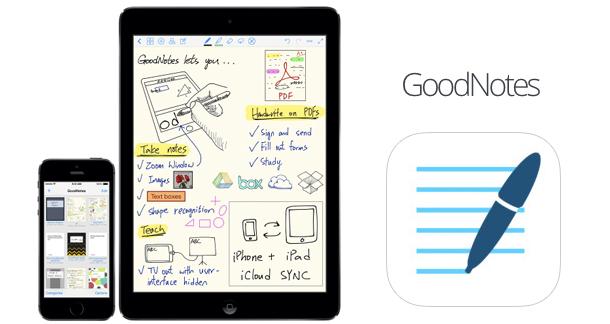
GoodNotes – £5.99

GoodNotes is a great app that allows you to use a stylus or your finger (though it’s obviously better with a stylus) to take notes. It’s great for maths and science classes, when typing simply won’t do. Paired with an Adonit Jot Script (which is discussed below), it’s a must have if you like taking notes by hand.

Adonit Bluetooth Stylus – Pricing Varies on Styluses

Adonit make great styluses, for both taking notes and for drawing. My stylus of choice is the Adonit Jot Script 2 – mainly because I have the Pencil by FiftyThree for drawing, and it came with 6 months of Evernote premium – and it’s great. I’ve had it for over two years, and it still works perfectly, looks great, and is just brilliant to use. Check out the Adonit site here to see their range of styluses.

MindNode – £7.99

MindNode is a powerful mindmapping tool for iOS and for Mac. It’s very powerful, and has tons of export features. The mindmaps that come out look great, and it’s a must have for anyone who loves mindmapping.

Things – Price Varies

Things is a great todo manager for Apple devices (Mac, iOS) that allows you to schedule your todos’ This one aspect is crucial to me as a student, as it allows me to make my todos have both a due date, and a date when I want to do them. The Cultured Code site explains it very well, and Things is definitely worth the money.

iStudiez Pro – Price Varies

By far the best planner I have found for iOS, Android, Windows and Mac, iStudiez Pro allows you to add your assignments, class schedules, tests and much more all in one place. The website explains it all very well, and it also offers a sync service, meaning that you can synchronize your timetable to all your platforms.

Forest – £1.49

Forest is a great iOS, Android and Chrome extension that stops you from getting distracted. You start to grow a tree, and when you switch app or go on a blacklisted website, your tree dies. It’s a great app and it actually works. You can create an account to sync your forest with all your devices, and it also gives you some in-depth features. I really recommend you check it out.

So those are my back to school apps and tech! I would have included apps like Textastic, however they are quite specific apps to the course, whilst these apps are useful to everyone.
I hope you liked the post, and thanks for reading!
Feel free to comment below!

Adonit Has a Back to School Sale

Adonit, the maker of styluses for iPad and iPhone, is offering a sale on their styluses. You can check it out here.

I’ve had my Jot Script 2 for over two years now, and it’s amazing. I really recommend picking up an Adonit stylus, as they are very good quality. You can read my Jot Script 2 review here.

Download Pokémon Wallpapers!

More Pokémon wallpapers have been added to the site!

If you frequently visit the Pokémon site, you’ll know about the wallpapers. They haven’t been updated in awhile, but some cool Pokémon GO wallpapers have been added. You can checkout all the wallpapers here.

Thanks for reading, and sorry it’s a short post!

Feel free to comment below!

Advertisement